

CAD·
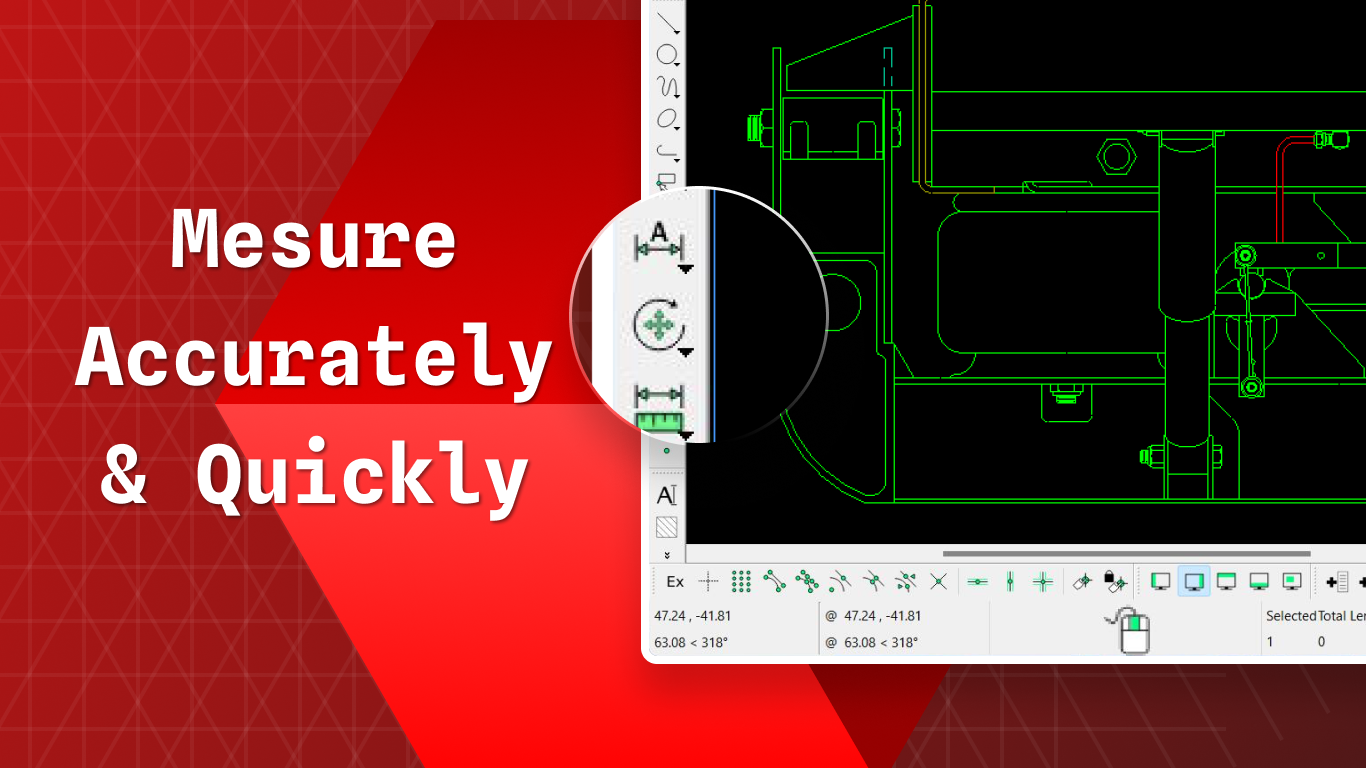
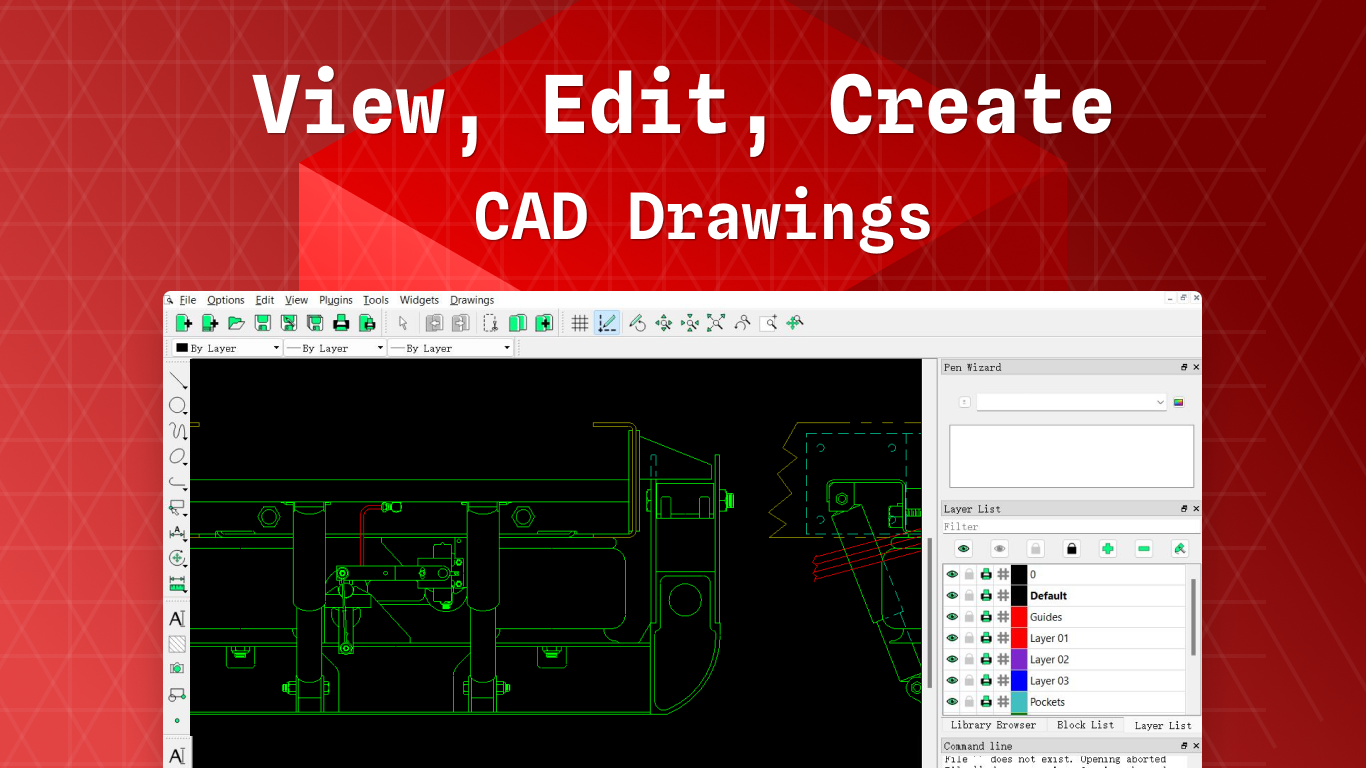
Explore our editorial review of CAD· for Windows. Discover how this powerful 2D drafting tool can elevate your engineering and architectural projects.
When searching for a reliable drafting tool, many professionals and hobbyists struggle to find a balance between high-end performance and accessible design. CAD· 2D drafting software breaks this barrier by offering an incredibly intuitive, lightweight environment that doesn't sacrifice precision. Developed by SuperFizz App for the Windows platform, this program serves as a highly capable, open-source-derived solution for anyone needing to create, view, and edit technical drawings without the usual overhead of heavy desktop suites.
A Familiar Workspace for Modern Designers
One of the most compelling aspects of the CAD· 2D drafting software is its immediate familiarity. If you have ever spent time working in mainstream industry platforms such as AutoCAD, SolidWorks, or Fusion 360, you will feel right at home. The interface is organized to respect classic workflows, allowing you to seamlessly toggle between model space and layout views to manage your project's presentation exactly as you intend.
Key Features and Technical Capabilities
- Precision Drafting & Layering: Take exact measurements and organize highly complex schematics with an advanced layer management system.
- Standard File Compatibility: Easily open, modify, and export your work in industry-standard DWG and DXF formats, ensuring smooth collaboration with external partners.
- Flexible Workflow Integration: Whether you are drafting preliminary Building Information Modeling (BIM) concepts, prepping blueprints for physical printing, or generating CADmapper files for civil engineering, this application adapts to your pipeline.
- Open-Source Core: Built as a modified version of the trusted, open-source LibreCAD project (written in C++17 and licensed under GPLv2), it combines community-driven stability with streamlined Windows optimization.
Who Benefits Most from This Software?
This application is highly versatile, making it an excellent fit for multiple user profiles. Students and hobbyists can utilize it as a practical learning tool alongside AutoCAD tutorials. Meanwhile, mechanical engineers, architects, CNC programmers, and CAM specialists can rely on it as a nimble, on-the-go blueprint reader and editor directly on the job site. It also serves as a lightweight companion tool for users of Rhino, CATIA, or Vectorworks who need to perform quick 2D revisions without launching resource-intensive suites.
Our Editorial Verdict
If you need a dependable, lightweight, and cost-effective solution for 2D technical drawing on Windows, this application delivers outstanding value. It avoids complex setups while providing all the essential tools required for precise engineering. To see if it fits your design workflow, you can learn more and view the application on the official Microsoft Store.