

Shapr3D
Read our comprehensive review of Shapr3D, the professional 3D CAD modeling software for Windows. Learn how it streamlines design-to-manufacturing workflows.
The Evolution of Modern CAD Design
The Shapr3D 3D CAD modeling suite represents a significant shift in how engineers, industrial designers, and product development teams approach physical design. Built specifically to bridge the gap between initial concept generation and final manufacturing, this software delivers industrial-grade power without the steep learning curve traditionally associated with legacy desktop CAD systems. By prioritizing a clean, adaptive user interface alongside robust multidevice synchronization, the platform allows professionals to transition seamlessly from office workstations to mobile environments without losing their creative momentum.
Key Features of Shapr3D 3D CAD Modeling
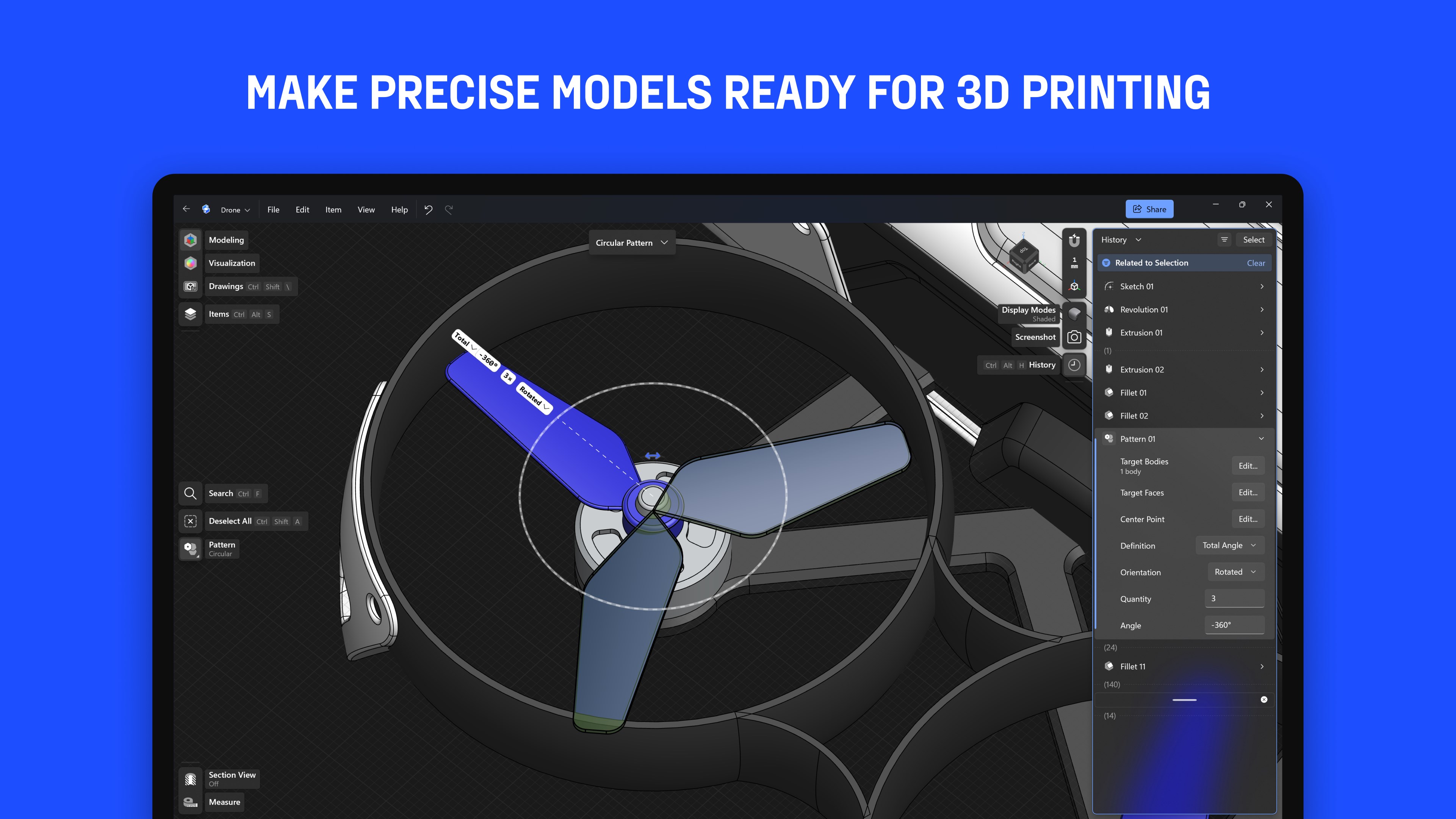
Whether you are drafting a simple mechanical component or preparing complex assemblies for production, the software provides a highly optimized toolkit designed for precision and speed:
- Industry-Standard Engine: Built upon the Siemens™ geometric Parasolid® modeling kernel and the D-Cubed™ sketch engine, ensuring absolute mathematical precision and compatibility with global manufacturing standards.
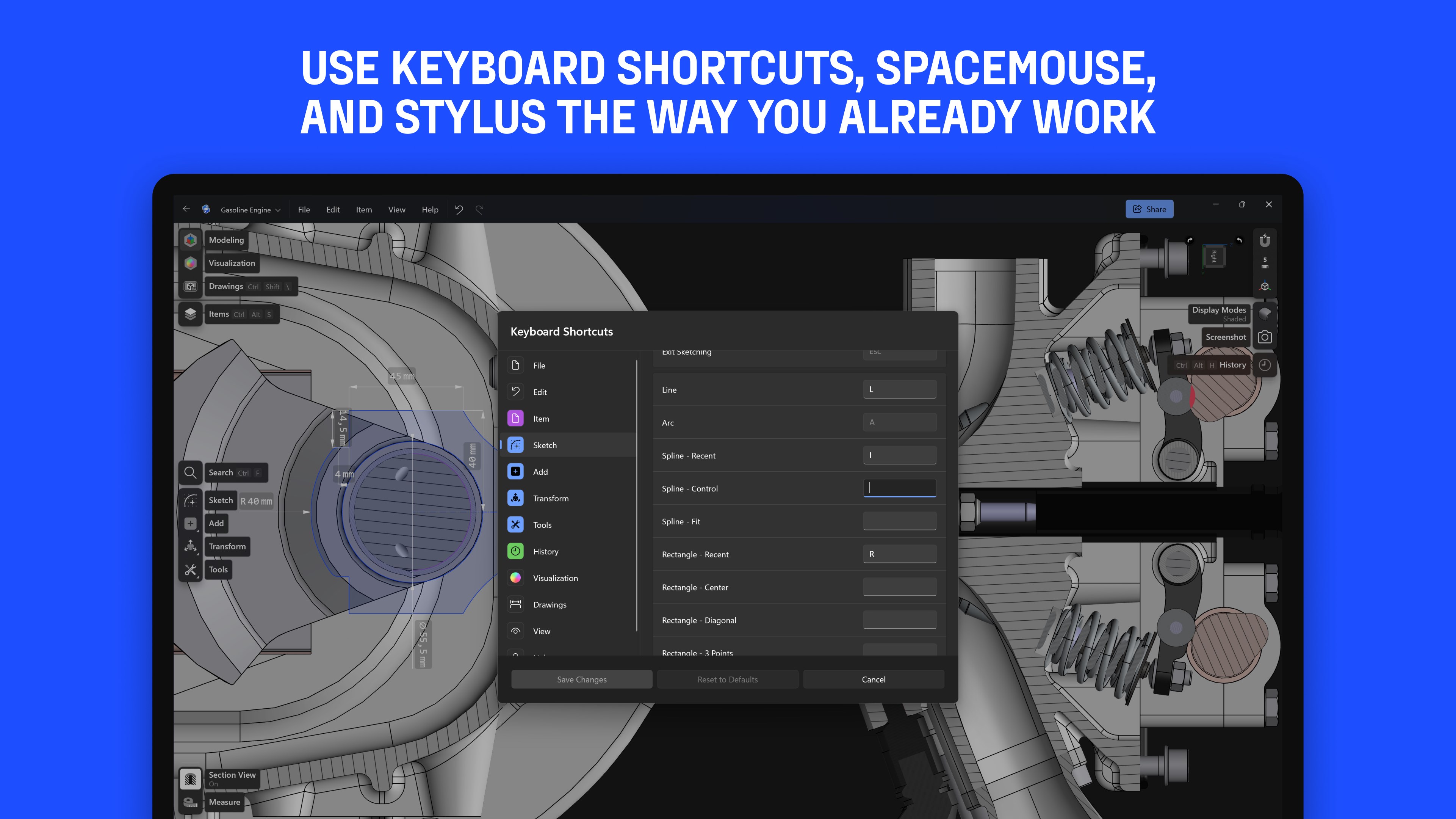
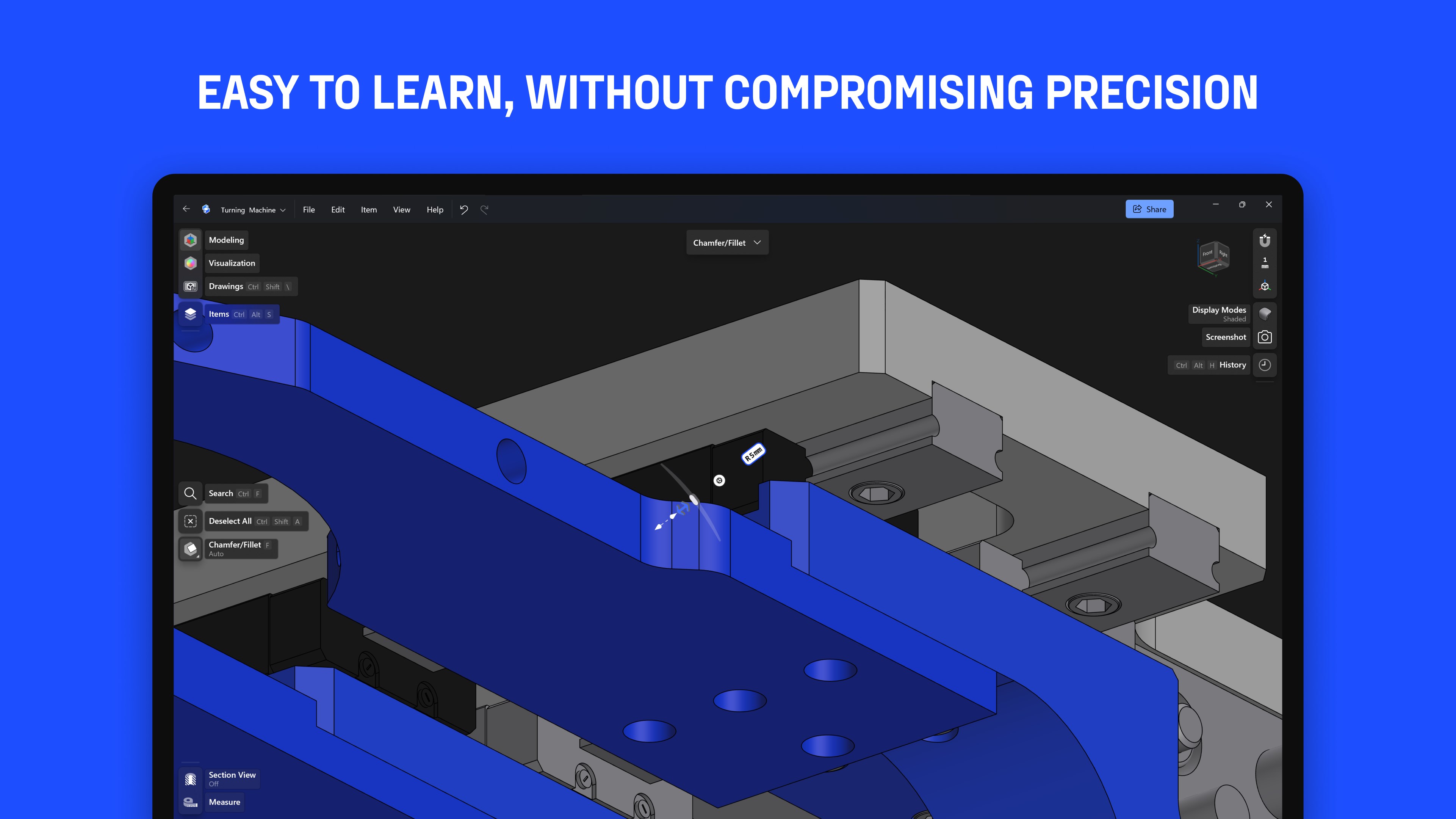
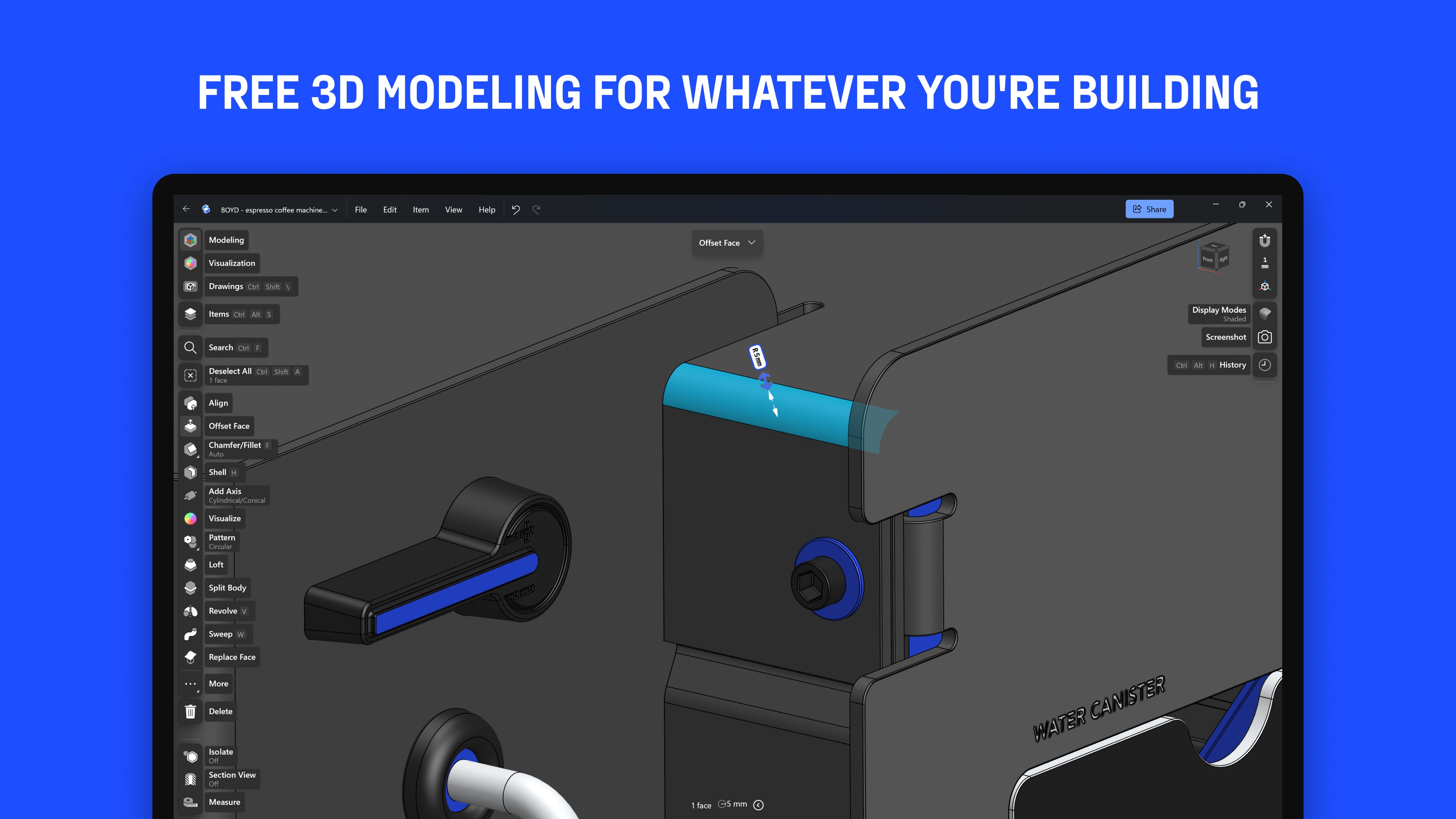
- Adaptive User Interface: The workspace dynamically displays the exact tools you need based on your selection, reducing screen clutter and allowing you to focus entirely on your design decisions.
- Universal Interoperability: Extensive support for importing major industry formats like SLDPRT, SLDASM, STEP, and IGES, alongside robust export options including X_T, STEP, STL, OBJ, and 2D DXF/DWG.
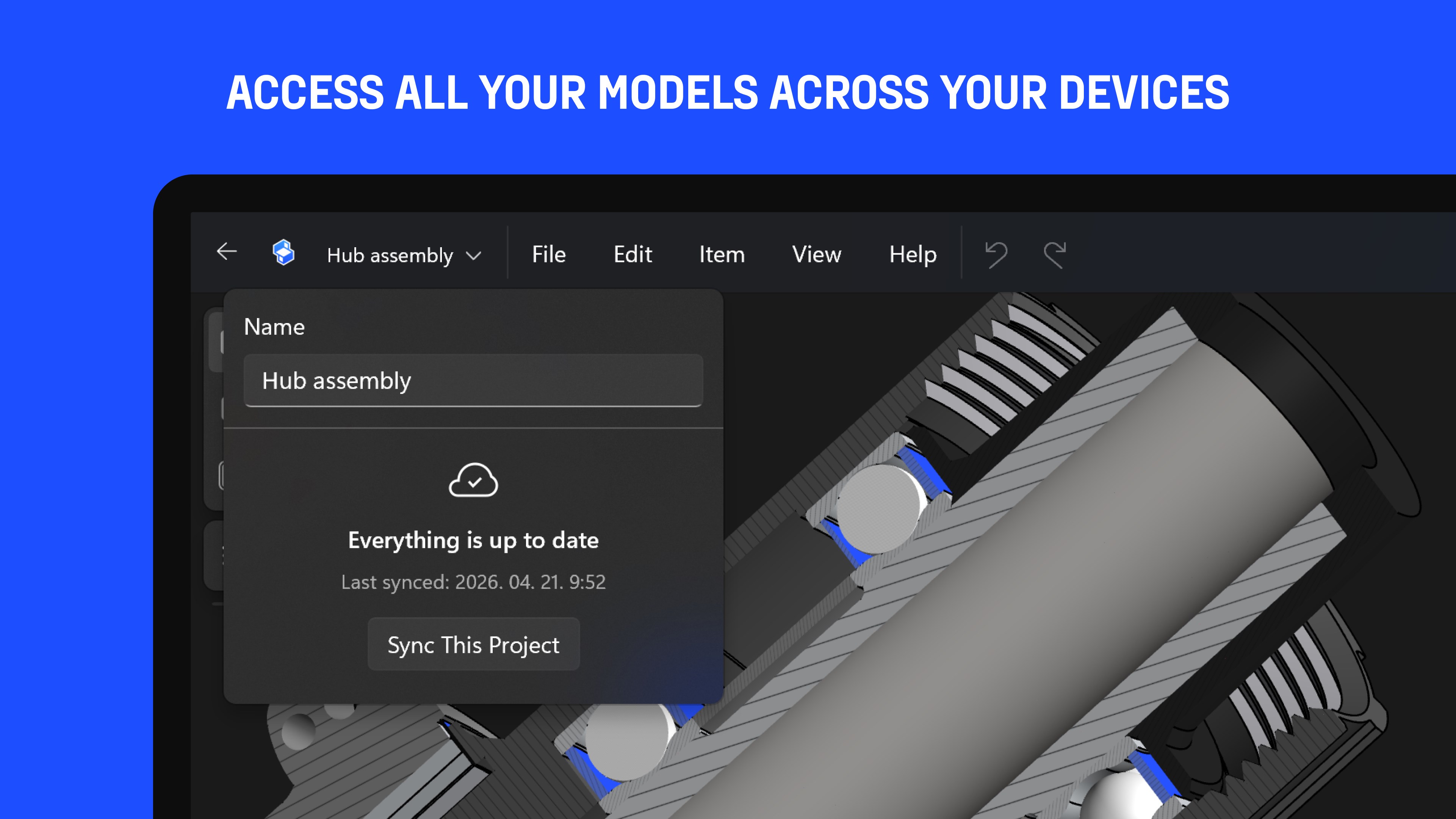
- Cross-Platform Synchronization: Work offline or online with automatic syncing across your devices, allowing you to design on the go and refine at your desktop.
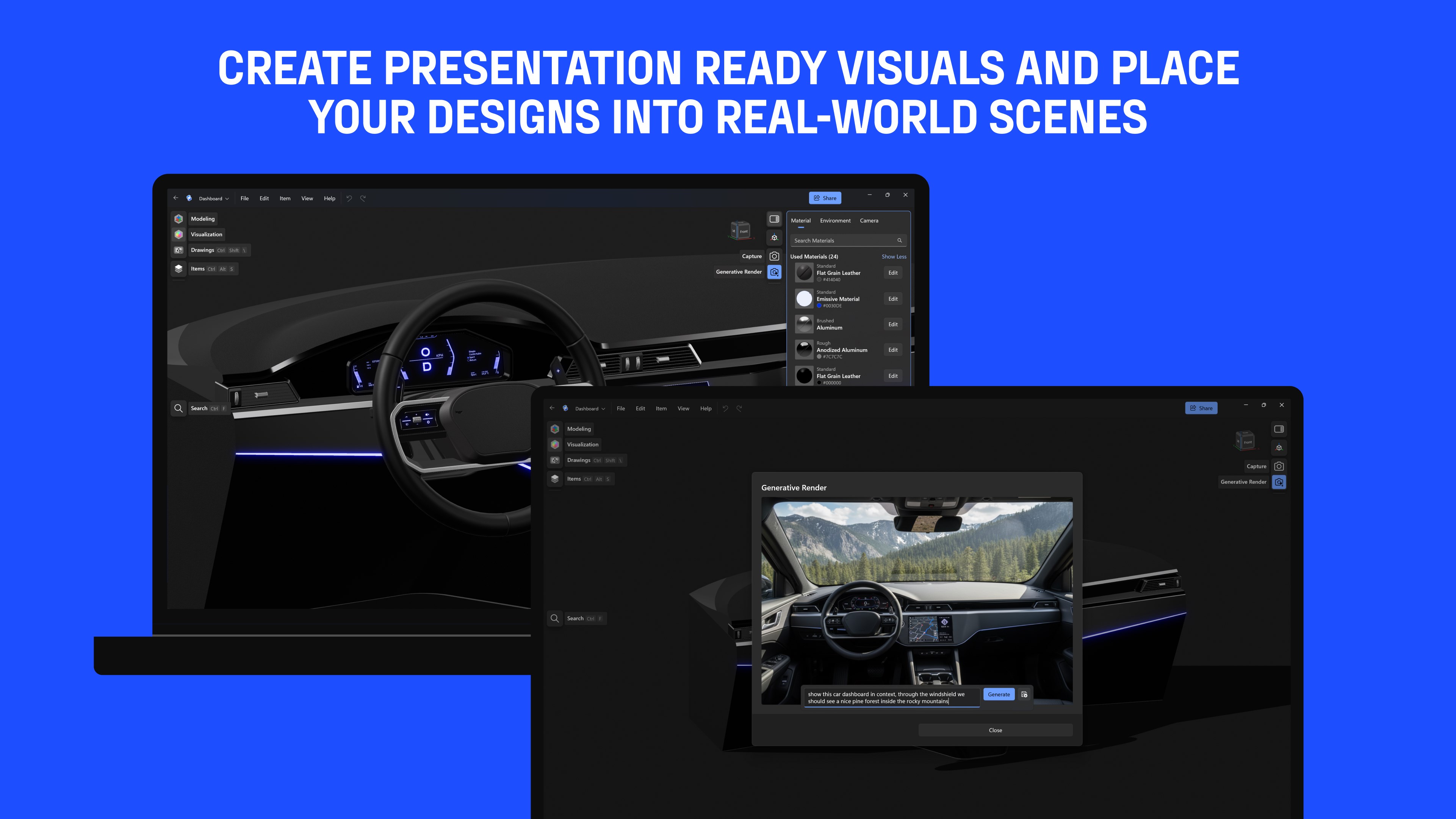
- Immersive Visual Communication: Generate real-time 3D renders and utilize Augmented Reality (AR) previews to present concepts to stakeholders via shareable links.
Who Benefits Most From This Modern CAD Tool?
This platform is engineered specifically for cross-functional teams, product designers, and mechanical engineers who require a highly flexible Shapr3D 3D CAD modeling workflow. It eliminates the need for expensive, specialized hardware, making it highly accessible for agile teams that need to collaborate instantly. If your daily workflow demands quick design iterations, rapid prototyping, and immediate transition to 2D manufacturing drawings, this software offers an exceptionally streamlined path from idea to physical product.
Enhancing Team Collaboration and Production
Beyond individual drafting, the application acts as a visual communication hub. Team members can review designs through web-based links without requiring external software installations, ensuring that clients and manufacturers remain aligned at every stage. With its clean layout and professional-grade backend, it successfully minimizes the friction often found in traditional design-to-manufacturing pipelines.
To experience this modern approach to industrial design firsthand, explore the official Microsoft Store page to view licensing options and integrate Shapr3D into your professional workflow.