

Spotify

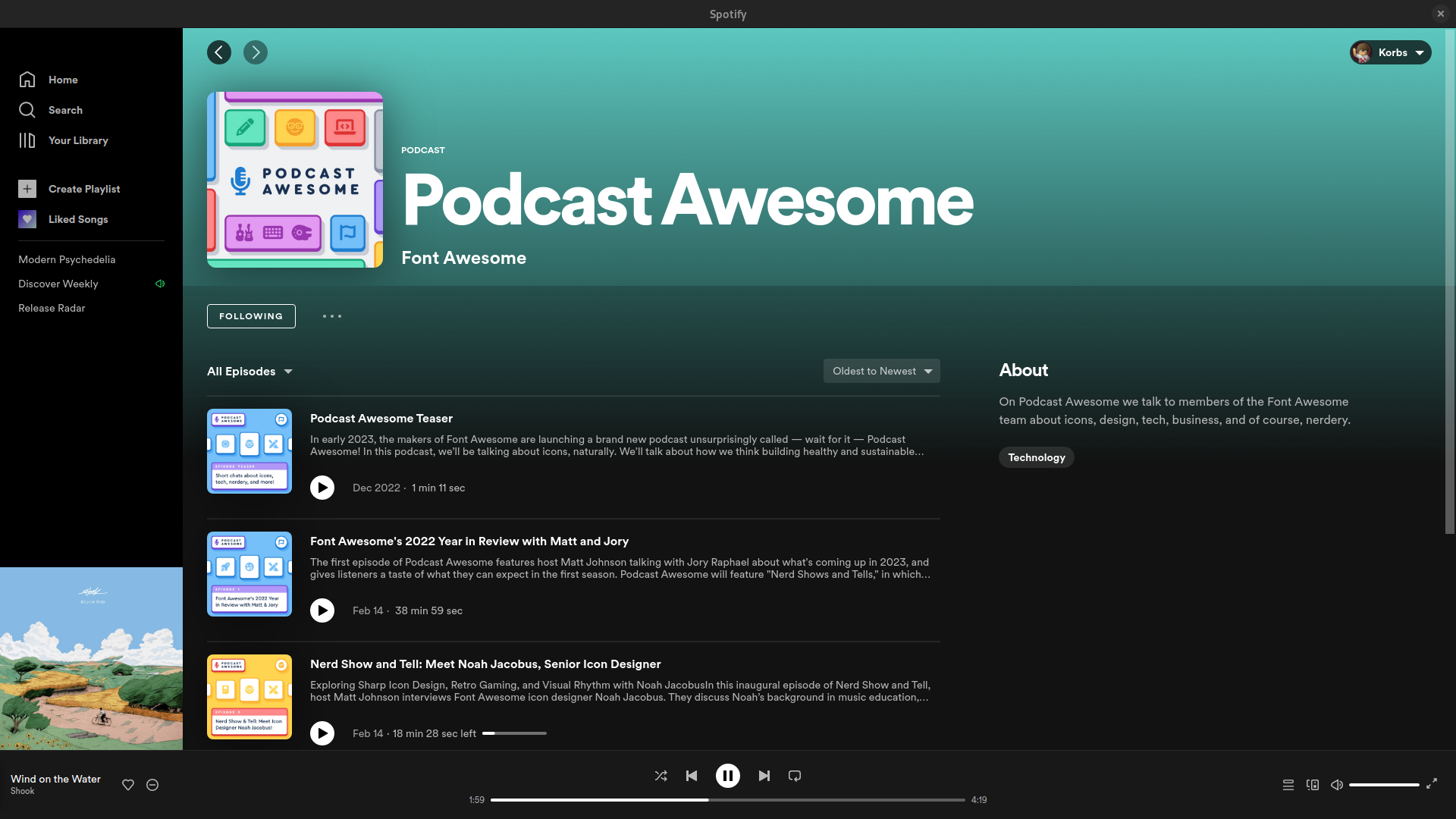

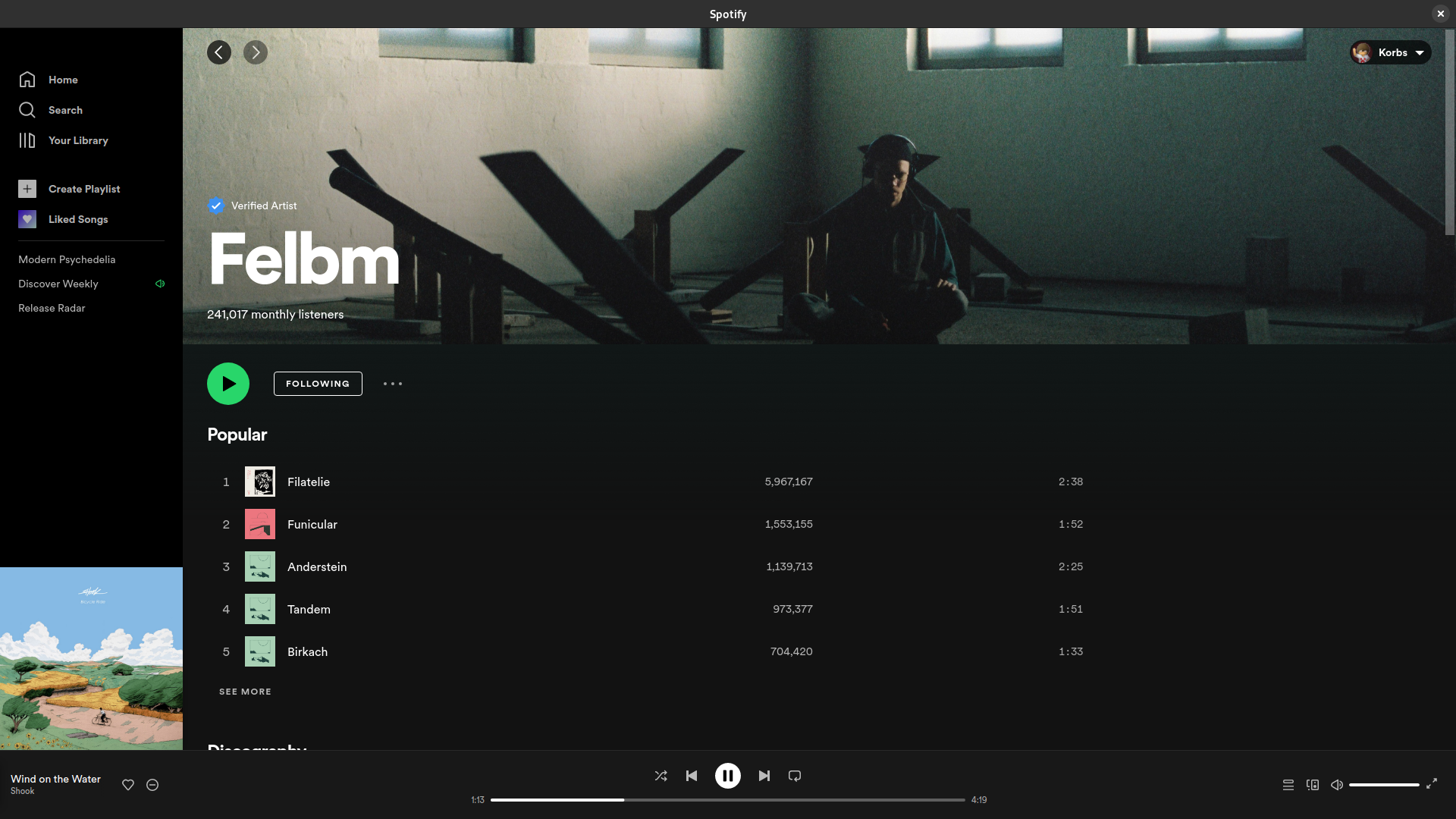
Explore our comprehensive review of Spotify for Linux. Discover how this community-packaged client brings seamless music streaming to your open-source setup.
Picture this: you are deep in a coding session or configuring your desktop environment, and the silence is breaking your focus. You need an immediate soundtrack to match your workflow, but switching devices ruins your momentum. The Spotify music streaming service on Linux bridges this gap, allowing you to control your audio universe directly from your workstation.
What is the Spotify Music Streaming Service?
This package offers Linux users a convenient way to access the world-renowned Spotify music streaming service. Built as a community-supported release, it packages the familiar desktop experience for various Linux distributions. It brings millions of songs, curated playlists, and podcasts directly to your desktop, ensuring you do not have to rely on a web browser tab to keep the music playing.
Key Features of the Linux Client
- Expansive Audio Library: Instantly search and play millions of tracks, from underground indie releases to the latest global hits.
- Social Integration: Share your favorite tracks or collaborative playlists with friends, and see what others are listening to in real time.
- Personalized Discovery: Let the platform's algorithms curate daily mixes and weekly discovery playlists tailored to your unique taste.
- Native Desktop Integration: Enjoy media key support and system notifications that blend naturally with your Linux desktop environment.
Who is This App For?
This desktop client is perfect for Linux enthusiasts and professionals who want a dedicated audio player without the overhead of keeping a browser tab open. Whether you are managing playlists, following your favorite artists, or looking for background music for your daily tasks, it provides a stable and familiar interface designed to keep you entertained while you work or play.
Pros and Cons
Pros
- Access to an incredibly vast catalog of music and podcasts.
- Easy playlist sharing and social connectivity features.
- Consistent user interface that mirrors other desktop platforms.
Cons
- As a community-packaged release, it is not officially supported by the developer.
- Requires an active internet connection for streaming.
Get Started with Spotify
If you are ready to elevate your Linux desktop experience with endless music, we highly recommend checking out this application. You can find more information, view user reviews, and access the official installation source by visiting the Flathub store page today.