

SmartPlay for Netflix
Read our comprehensive review of SmartPlay for Netflix, the ultimate Safari video extension that unlocks playback speed, custom subtitles, and IMDB data.
An Unprecedented Level of Control Over Safari Video Streams
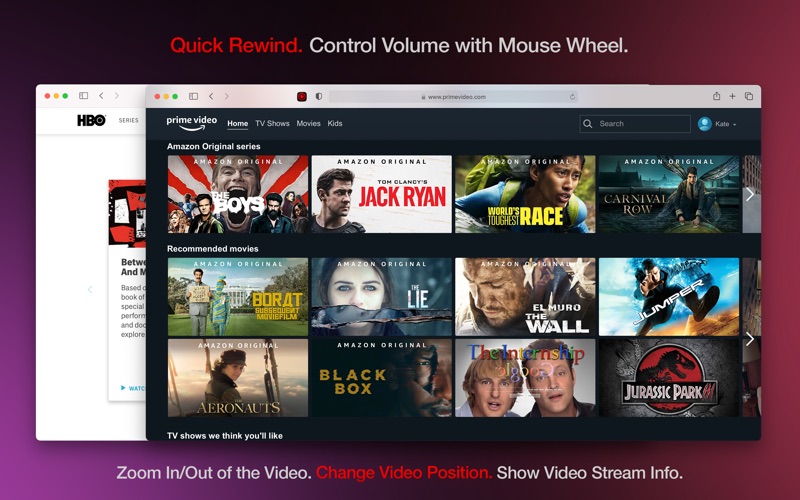
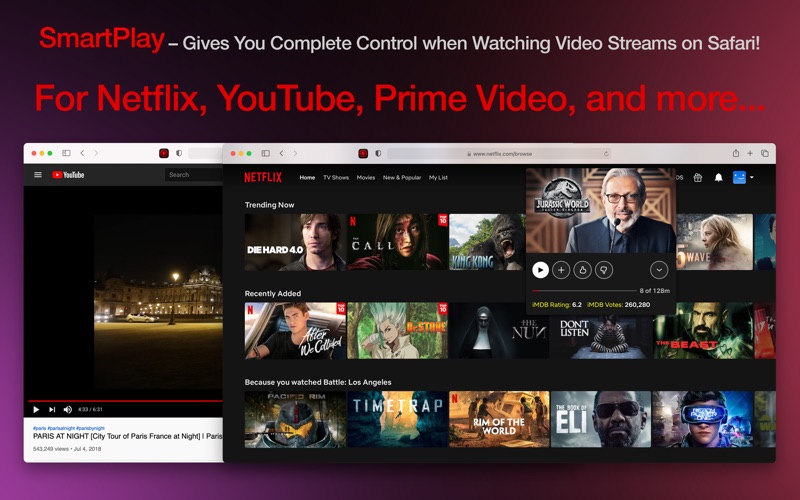
Many media players offer basic playback controls, but they rarely give power users the level of customization they truly crave. Enter SmartPlay for Netflix video customization, a dedicated Safari Web Extension designed by Best App Limited that transforms how you watch streaming media on your Mac. Unlike standard browser add-ons that only target one platform, this tool integrates directly into Safari to elevate your viewing experience across Netflix, YouTube, Prime Video, HBO, and several educational platforms like Udemy and Lynda.
Standout Capabilities: Beyond Standard Playback
What sets this extension apart is its deep feature set tailored for cinephiles and language learners alike. Here is what you can expect when integrating SmartPlay for Netflix video customization into your daily streaming routine:
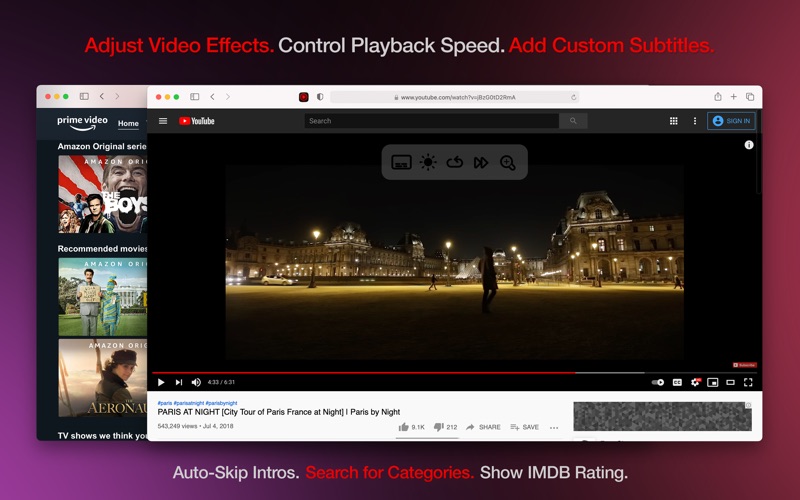
- Real-Time Video Effects: Adjust contrast, saturation, brightness, and grayscale on the fly with a live preview.
- Granular Speed Settings: Speed up slow-paced dramas or slow down foreign films from 0.01x to 5x playback speed—perfect for language practice.
- Custom Subtitle Integration: Load external SRT or VTT subtitle files in any language, with full control over font size, color, background opacity, and timing offsets.
- IMDb Integration (Netflix Only): View ratings and vote counts directly on the title page so you never waste time on a subpar movie.
- Intelligent Automation: Automatically bypass tedious recaps and intros without lifting a finger.
Seamless Integration and Privacy-First Architecture
Setting up SmartPlay for Netflix video customization on macOS is straightforward. Once enabled in your Safari Extension preferences, a unobtrusive control overlay appears directly on top of active video players. Security-conscious users will appreciate that the extension operates locally; it does not track browsing history, monitor credentials, or collect personal data. It offers a clean, secure environment for optimizing your entertainment.
Who Is This Safari Extension For?
If you find yourself frustrated by the lack of native accessibility settings on major streaming platforms, this utility is a game-changer. It is highly recommended for international students utilizing subtitles to learn English, remote professionals speeding through video lectures on LinkedIn or Udemy, and movie enthusiasts who want technical stream diagnostics (like bitrate, resolution, and CDN throughput) at their fingertips.
Discover More on the Mac App Store
Ready to upgrade your streaming setup? To explore the full capabilities of this utility, read user reviews, or purchase a subscription, head over to the official Mac App Store to get started with SmartPlay today.