
Deezer
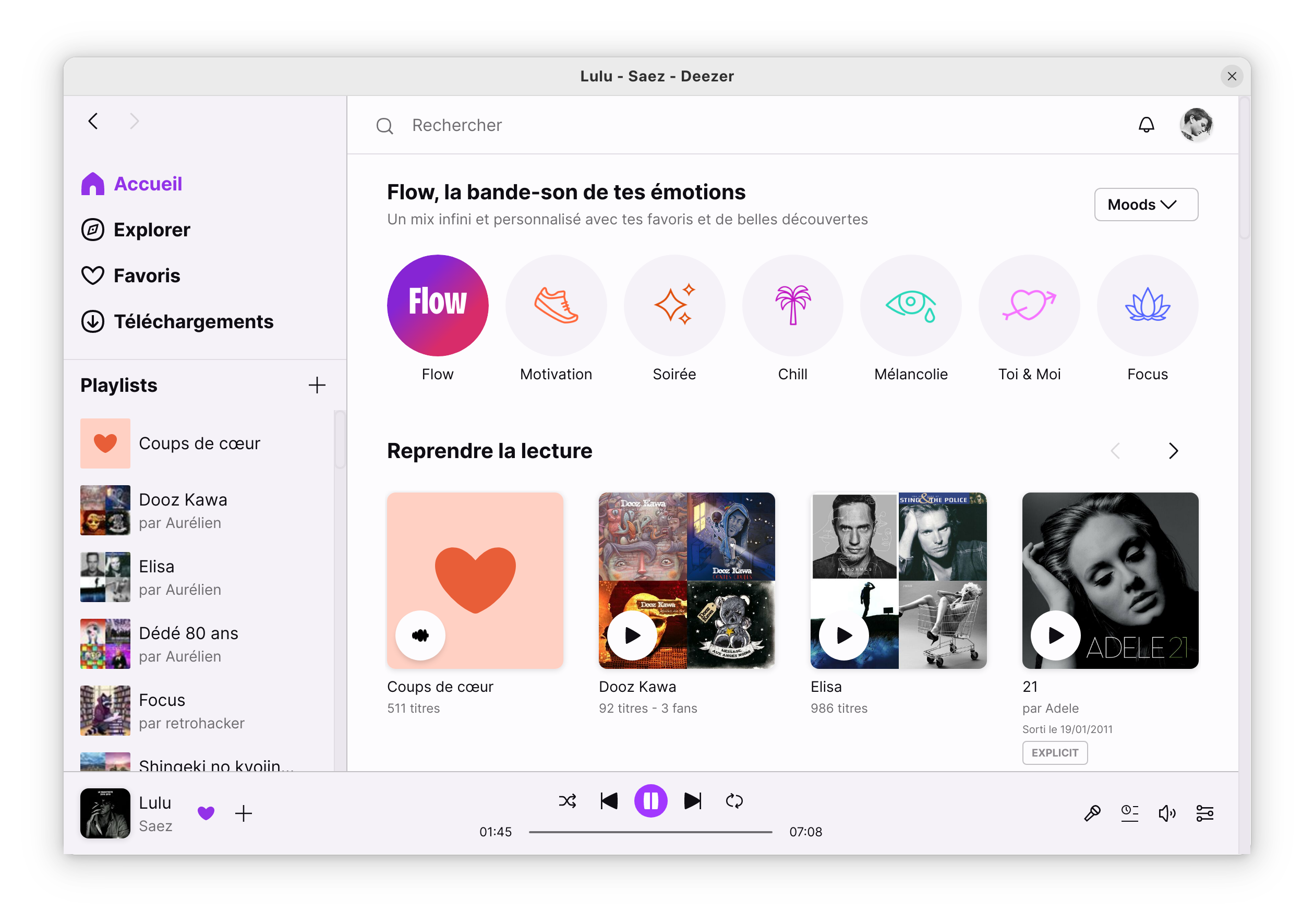
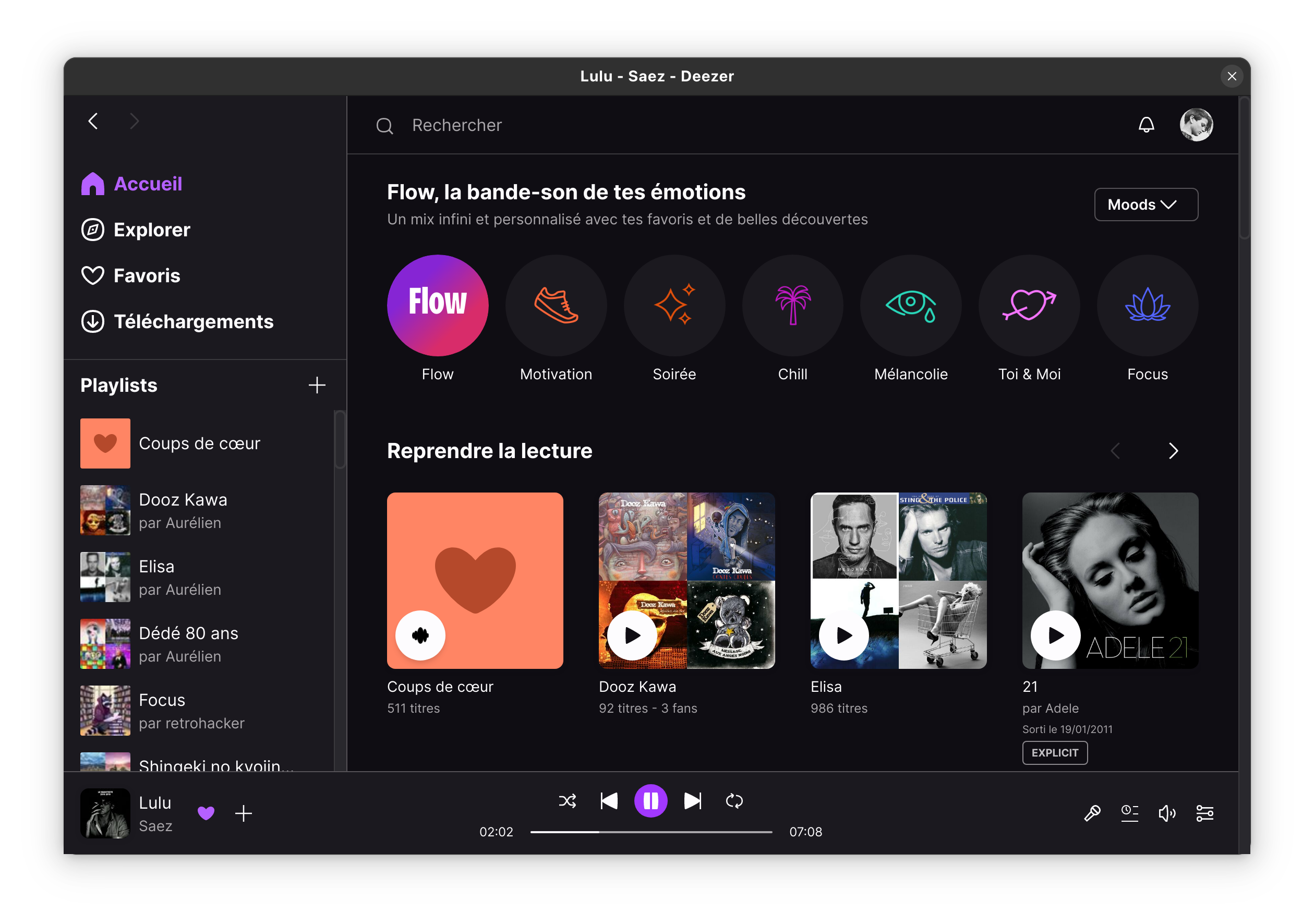
Read our comprehensive review of the Deezer Linux app. Learn how to stream your favorite music and save playlists offline on your Linux system.
An Elegant Music Streaming Experience on Linux
Finding a reliable way to enjoy high-quality audio on open-source platforms can sometimes be a challenge, but the Deezer Linux music player by developer aunetx bridges this gap beautifully. This application brings the full power of the popular online music streaming service directly to your Linux desktop, offering a native-feeling environment that avoids the need to keep a resource-heavy web browser tab open just to listen to your favorite tracks.
Key Capabilities of the Deezer Linux Music Player
This unofficial port is designed to integrate smoothly with your desktop environment, providing a clean interface that mirrors the official desktop experience found on other operating systems. Here is what you can actually do with this software:
- Stream Your Entire Library: Access millions of songs, curated playlists, and personalized recommendations instantly.
- Offline Listening: Save your favorite music and albums offline so you can keep the soundtrack going even when you lose your internet connection.
- Seamless System Integration: Enjoy a dedicated windowed experience that behaves like a native desktop application, complete with window controls and stable performance.
Who Is This Application For?
If you are a Linux enthusiast who relies on Deezer as your primary online music streaming service, this port is an essential addition to your software library. It is perfect for users who prefer dedicated desktop clients over web players, especially those who frequently travel and need to utilize the offline playback feature to conserve mobile data or survive flights without network access.
Enhance Your Desktop Audio Setup
Overall, this port delivers a highly stable, functional, and pleasant way to interact with your music collection. By moving your playback out of the browser, you gain a more focused and responsive media experience tailored to your operating system. To try it out for yourself, head over to the official Flathub store page to get started.